
Follow your curiosity.
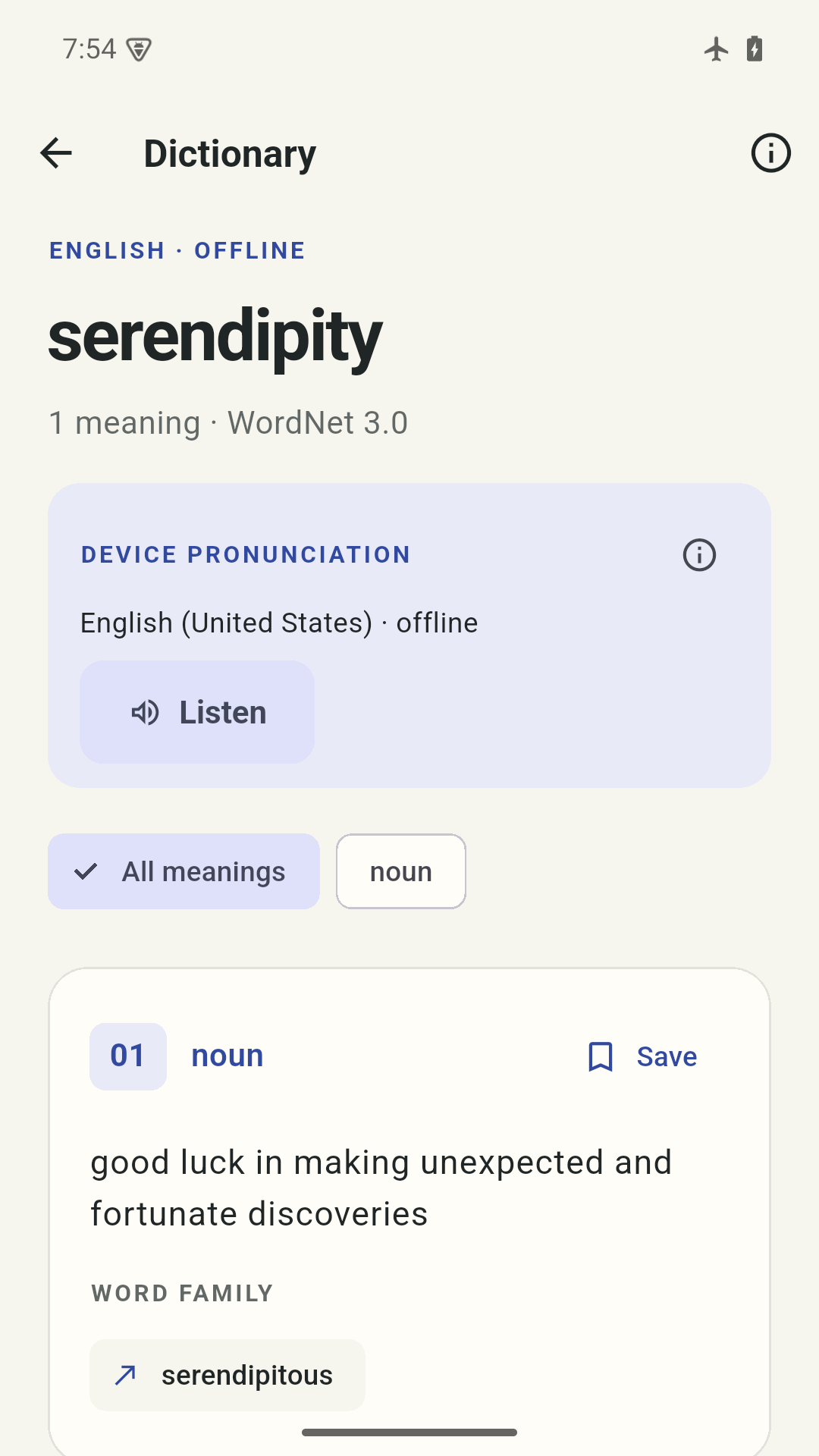
Look up English words without a connection. Explore meanings, source examples and related words when available.
A LITTLE SPACE FOR YOUR WORDS
An offline English dictionary with room for your own context. Keep the meaning that matters, then make it familiar.
Coming soon for Android and iPhone
Take a look inside

Keep the meaning. Add your context.
Lexinook, up close
Look up a meaning, add a little context and return to it when you’re ready.
FROM A NEW WORD TO A FAMILIAR ONE
Something you read. A phrase you heard. A meaning you want to remember.
Look up English words without a connection. Explore meanings, source examples and related words when available.
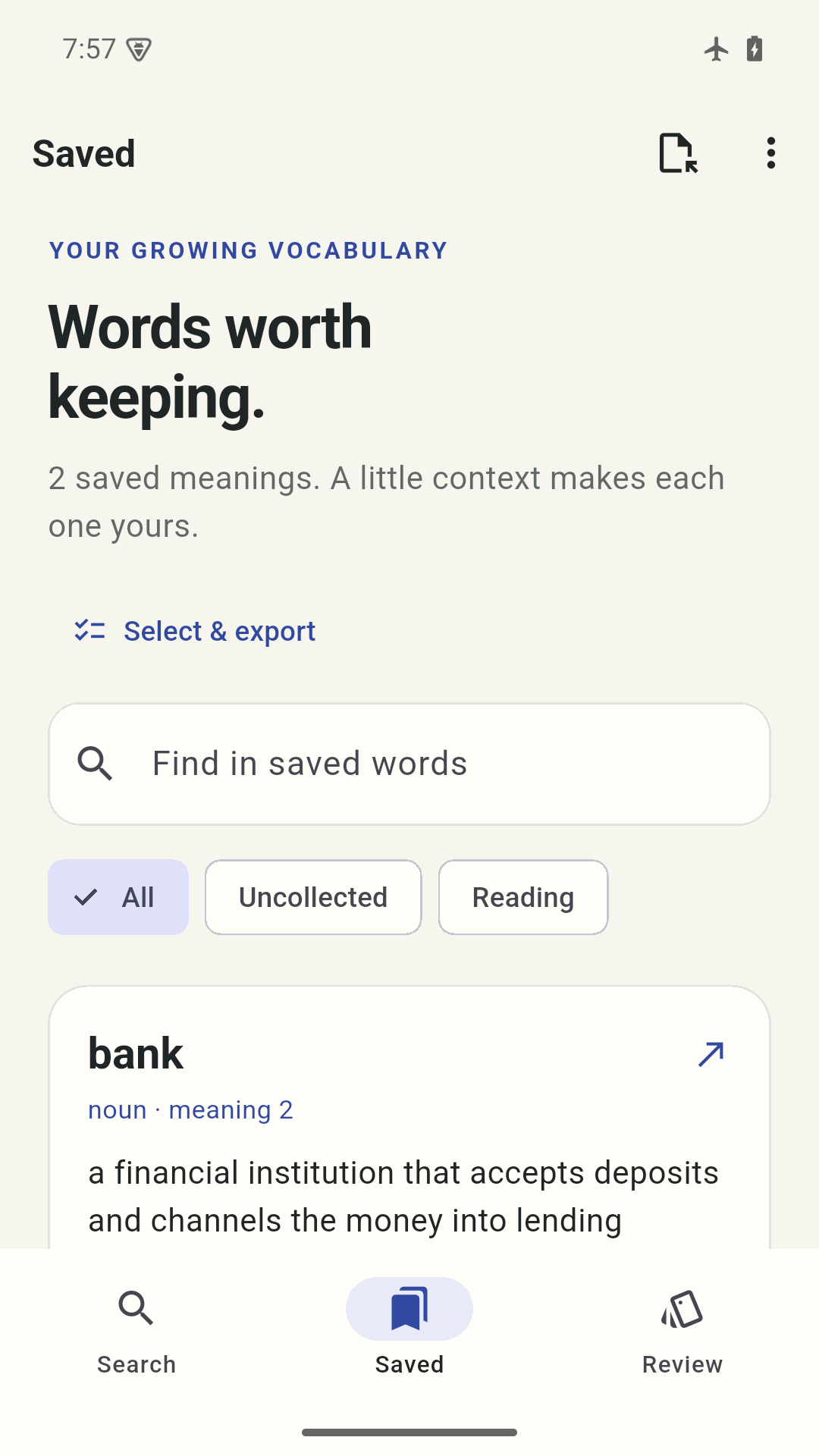
A river bank is different from a place for your savings. Keep each meaning with your own note and collection.
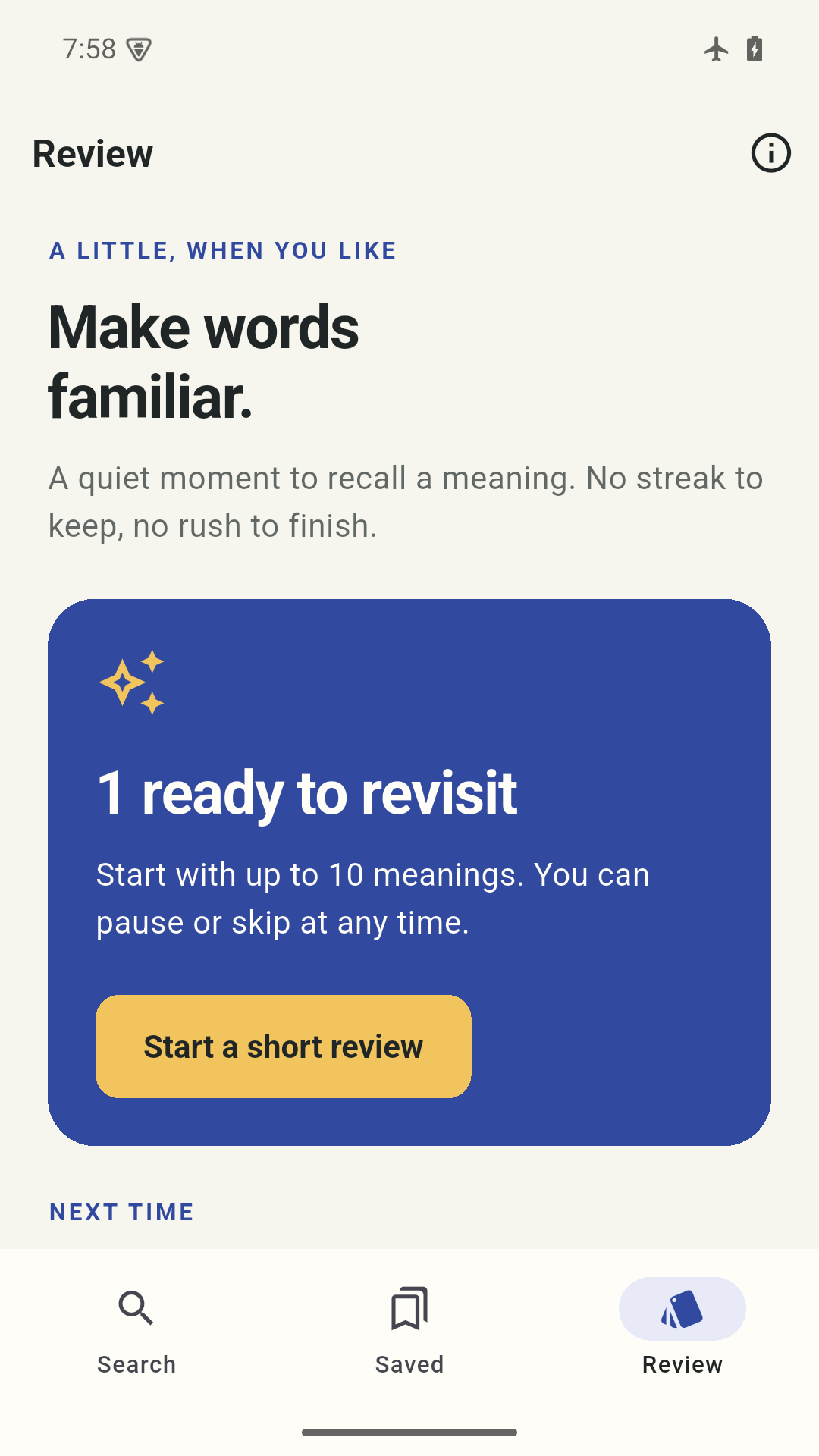
Recall a few meanings, reveal them and rate your familiarity. Pause whenever you like. No streak to maintain.
YOUR VOCABULARY, WITH CONTEXT
Add a sentence from your day. Put a few words in a collection. Find them again when you need them.
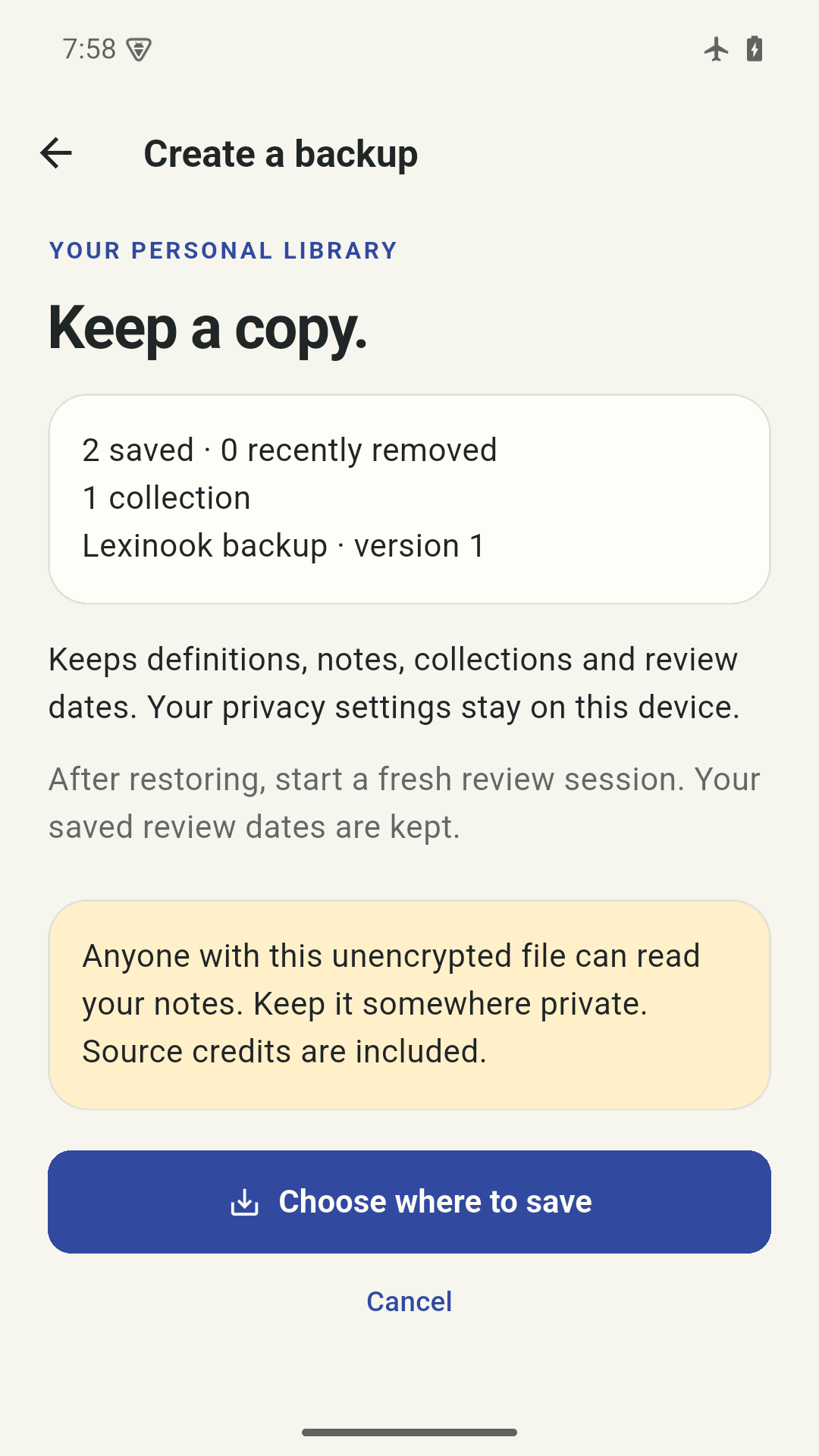
Your library is stored on device, with no account to create. Export selected meanings or make a readable backup when you want a copy.
Explore portable filesA DICTIONARY WITH CLEAR LIMITS
The bundled dictionary is WordNet 3.0, an English reference from 2006. It has older, incomplete coverage and can contain dated or sensitive language. Source examples and related words appear where available. Device pronunciation needs a supported installed English voice.
Read about coverageCOMING SOON
Get to know Lexinook while we prepare it for release.
Take a closer lookLexinook uses the bundled English WordNet 3.0 dictionary from 2006. Some common words, newer terms, names and non-English entries are missing. Try the base form, check spelling suggestions, or follow a related word. A missing entry does not mean your word is wrong.
You need a supported installed English voice. Android’s speech engine must identify it as available offline; iPhone uses supported installed Apple voices. Check your device’s speech settings, then retry in Lexinook. The app does not download voices or switch to online speech. You can still look up and save words without audio.
Yes. Save each meaning separately from the dictionary entry. Open a saved meaning to add or edit your context and choose a collection. Saving the same dictionary sense again keeps your existing copy rather than making another one.
Save a meaning, then open Review when one is due. A short session has up to ten meanings. Recall, reveal and rate your familiarity to set the next date. Skip or pause when you like. If you restore a backup, review dates are kept, but you start a fresh session.
In Saved, Select & export creates CSV or Lexinook JSON for the meanings you select. In Settings, Create a backup includes your active and recently removed meanings, notes, collections and review dates. Lock and analytics settings are excluded. Both are readable, unencrypted files; choose a private destination.
No account is needed and Lexinook has no automatic cloud sync. Your operating system may back up app data, and your selected file provider may save files in the cloud. Keep your own private backup if you want a portable copy.
Something to look forward to
An offline home for words, meanings and the connections you make with them. Coming soon for Android and iPhone.
Explore the current features, real app screens and practical answers while we prepare for release.
Explore LexinookRelease timing and pricing will be shared when confirmed. No signup is required to explore this site.