
THE LEXINOOK WAY
A word is just
the beginning.
Look it up. Keep your context. Come back when you’re ready.
Coming soon for Android and iPhone. The images below show the Android preview.
01 / LOOK UP & LISTEN
Let one word lead
to another.
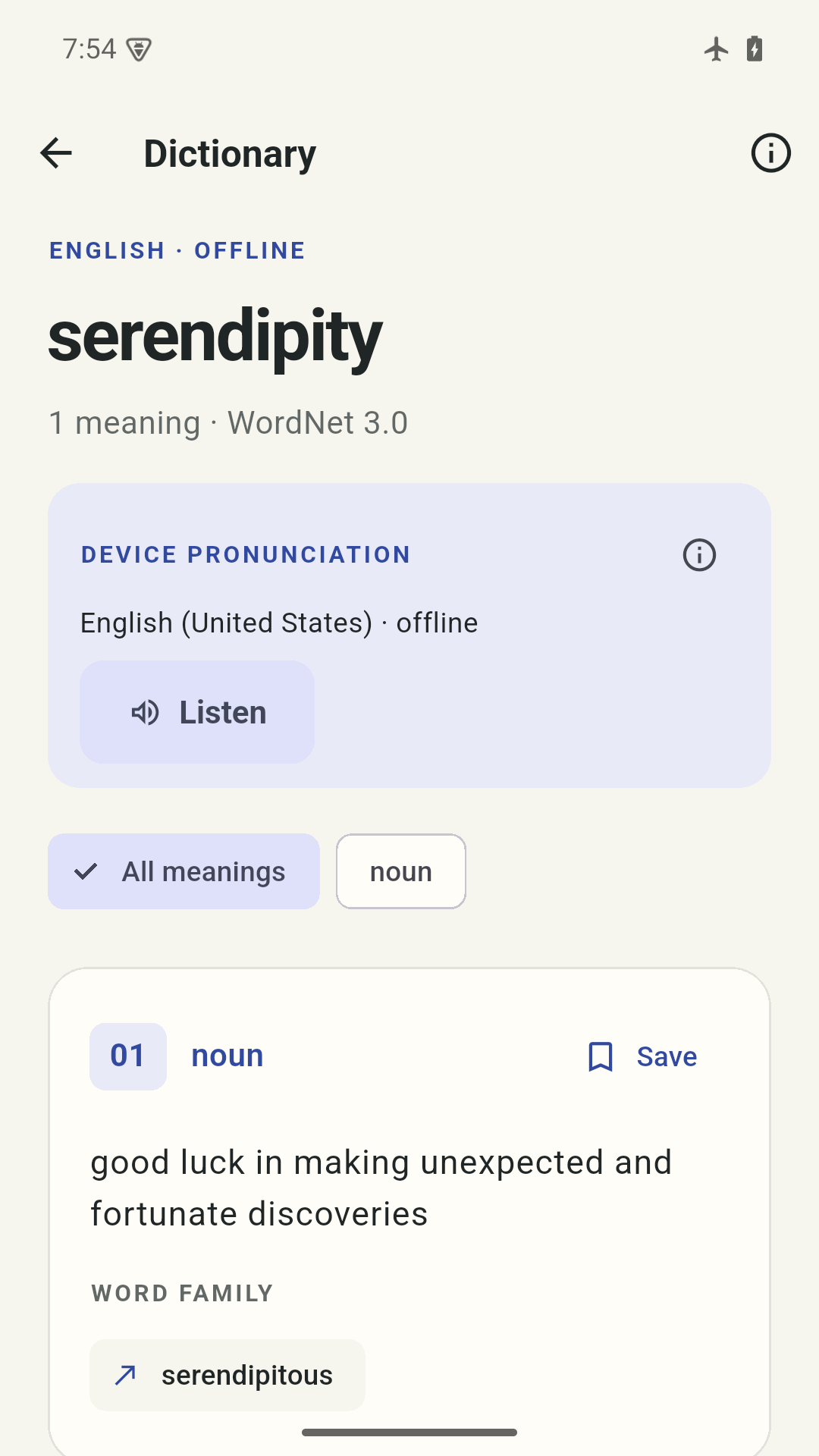
Search a bundled English dictionary offline. Browse parts of speech, follow related words, and read examples supplied by the source. Inflection matches and spelling suggestions can help when the first search is not quite right.
Listen with a supported English voice already installed on your device. Android needs a voice marked available offline; iPhone uses supported installed Apple voices. There is no voice download or online fallback. Availability and pronunciation vary.
02 / SAVE & ORGANIZE
The meaning you met.
The context you keep.
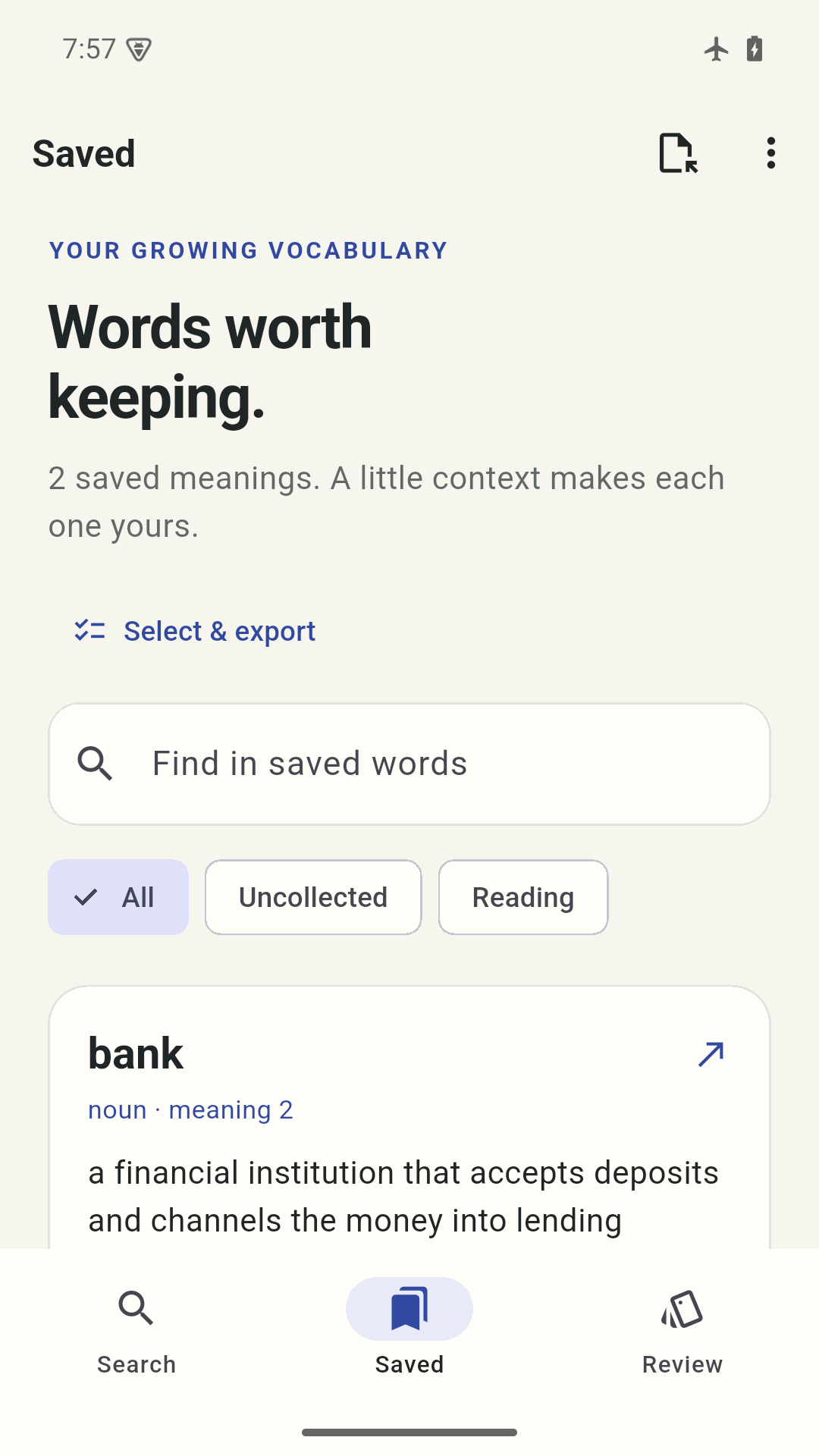
Save a particular sense of a word, add a note and put it in a collection. Different meanings can live separately in your library. Search your saved vocabulary or filter by collection.
Changed your mind? Removed meanings stay in Recently removed, ready to restore. Removing a collection keeps its meanings in your library.
03 / RECALL & REVISIT
A little, when you like.
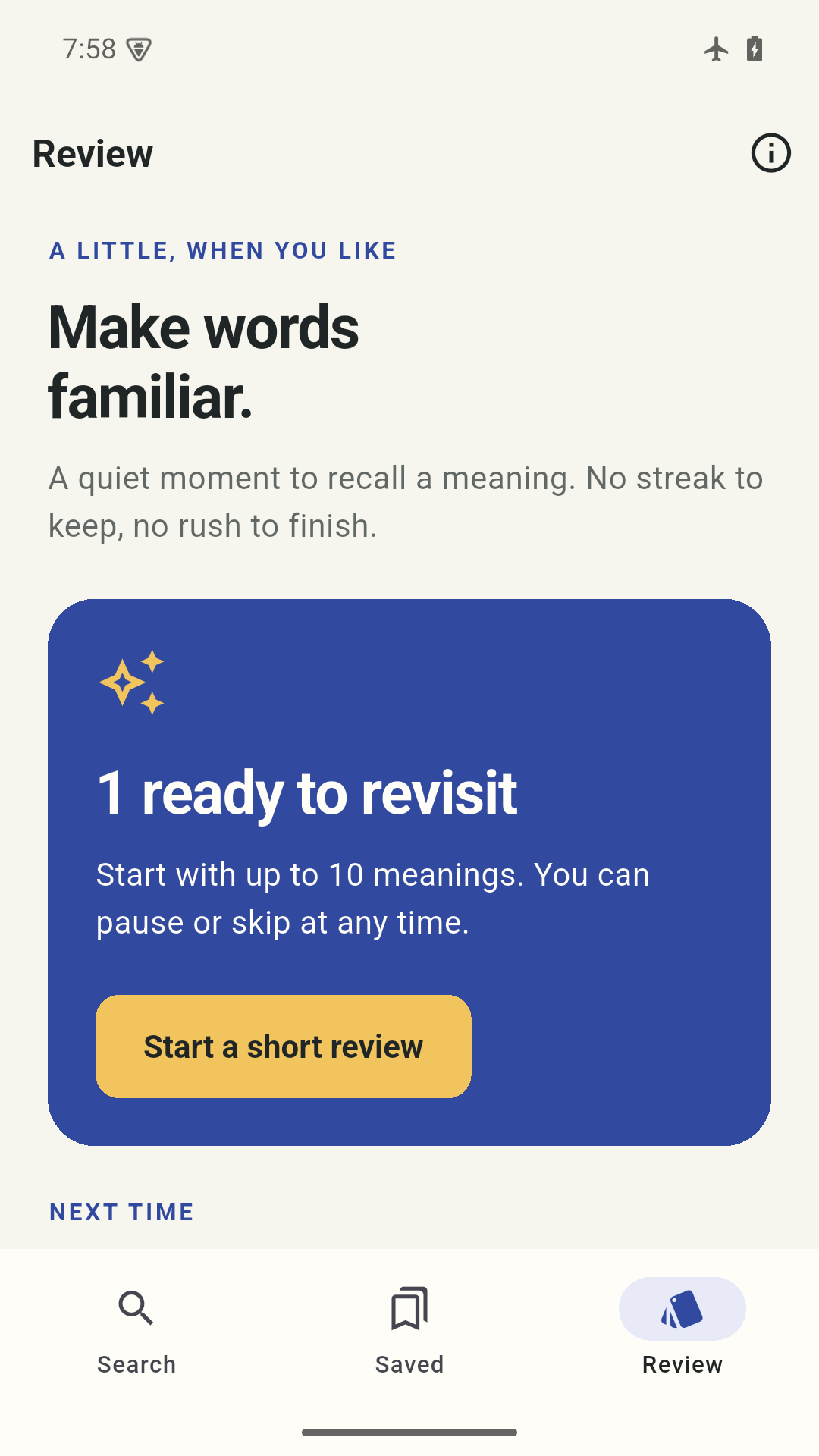
Start with up to ten meanings ready to revisit. Try to recall each one, reveal the meaning and choose how familiar it feels. The next review date is stored locally.
Skip a word, pause a session or stop for the day. There is no streak, leaderboard or race to finish.
04 / EXPORT & BACK UP
Keep a copy
you can open.
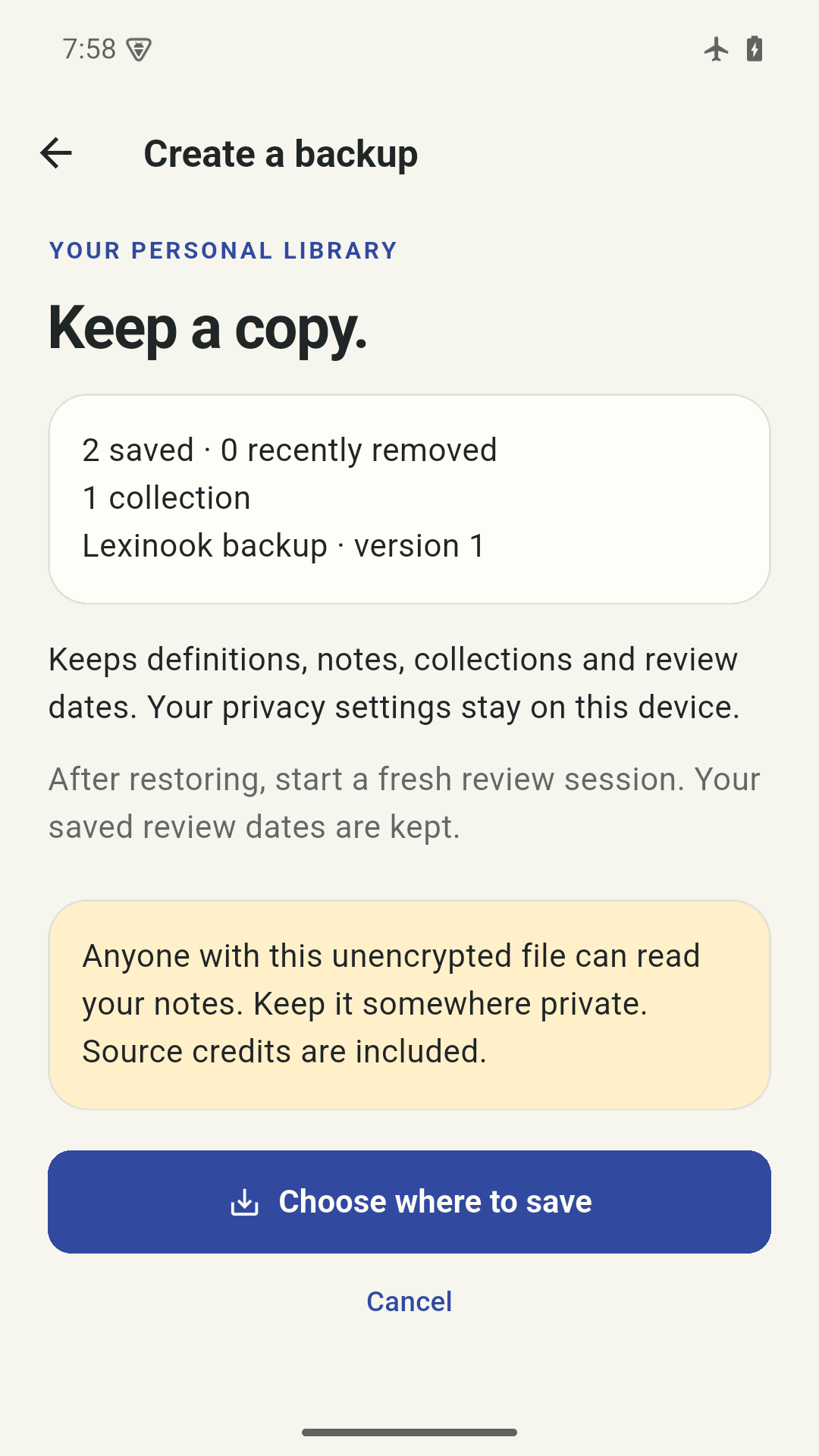
Export selected meanings as CSV or Lexinook JSON. Preview imports before applying them, keeping existing meanings by default. A versioned backup includes saved and recently removed meanings, notes, collections and review dates.
After restoring, start a fresh review session. Your lock and analytics settings stay on the device. There is no automatic Lexinook cloud sync; device backup settings and your chosen file provider may copy data elsewhere.
Need a hand?
Find practical answers about missing entries, installed voices, imports and keeping your notes.
Visit support